
Jump to:
Accessing the Customer Billing Portal
Viewing and Downloading Invoices
Updating and Adding Payment Methods
Accessing the Customer Billing Portal
⚙️✅ Note: To log in to the customer billing portal, please use the email address tied to your Steer, or AutoOps, billing.
If you receive an error message that your email address is not associated with an
account, please contact billing@steer.io for assistance.
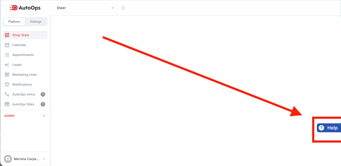
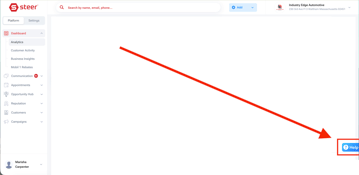
You can access the customer billing portal directly in Steer and AutoOps via the Help Center.
1. Click the ?Help in the bottom right of Steer and AutoOps
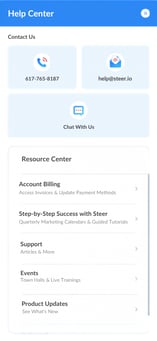
2. Select Account Billing
 ->
-> 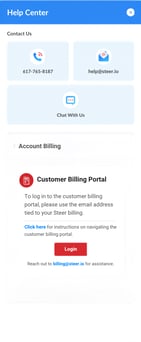
3. Click Login > Enter your Email to receive a one-time code to login and access you billing details.
To access the customer billing portal outside of Steer and AutoOps follow the steps below.
-
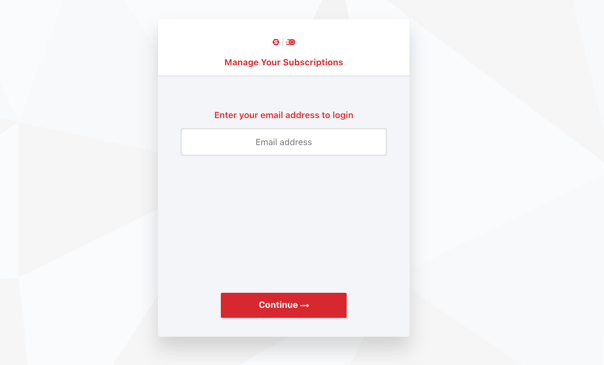
Navigate to https://steercrm.chargebeeportal.com/ to access the portal.
-
Enter your email address to receive a one-time code to login.
Once logged in you are able to view and download invoices along with adding and updating payment methods.
Viewing and Downloading Invoices
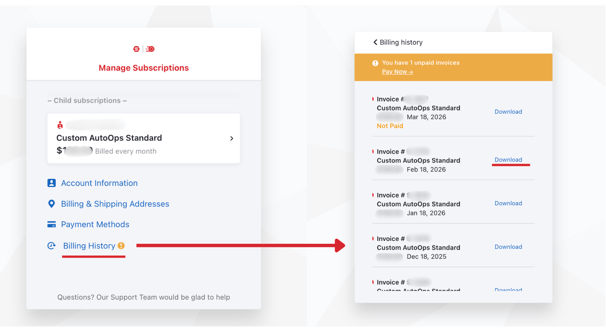
Navigate to the Billing History section in the portal.
-
Select the invoice you’d like to view.
-
Click Download to save a PDF copy of the invoice to your device.
Updating and Adding Payment Methods
In the portal, select the Payment Methods section.
-
To add a new payment method, click Add Payment Method to add a new credit card or bank account.
-
To update your current payment method, select your saved method and edit the details.
-
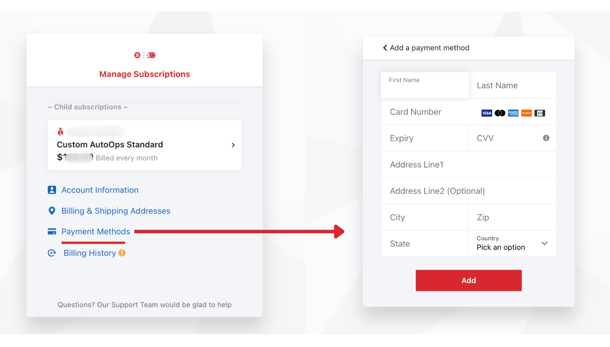
Ensure you save changes before leaving the page.